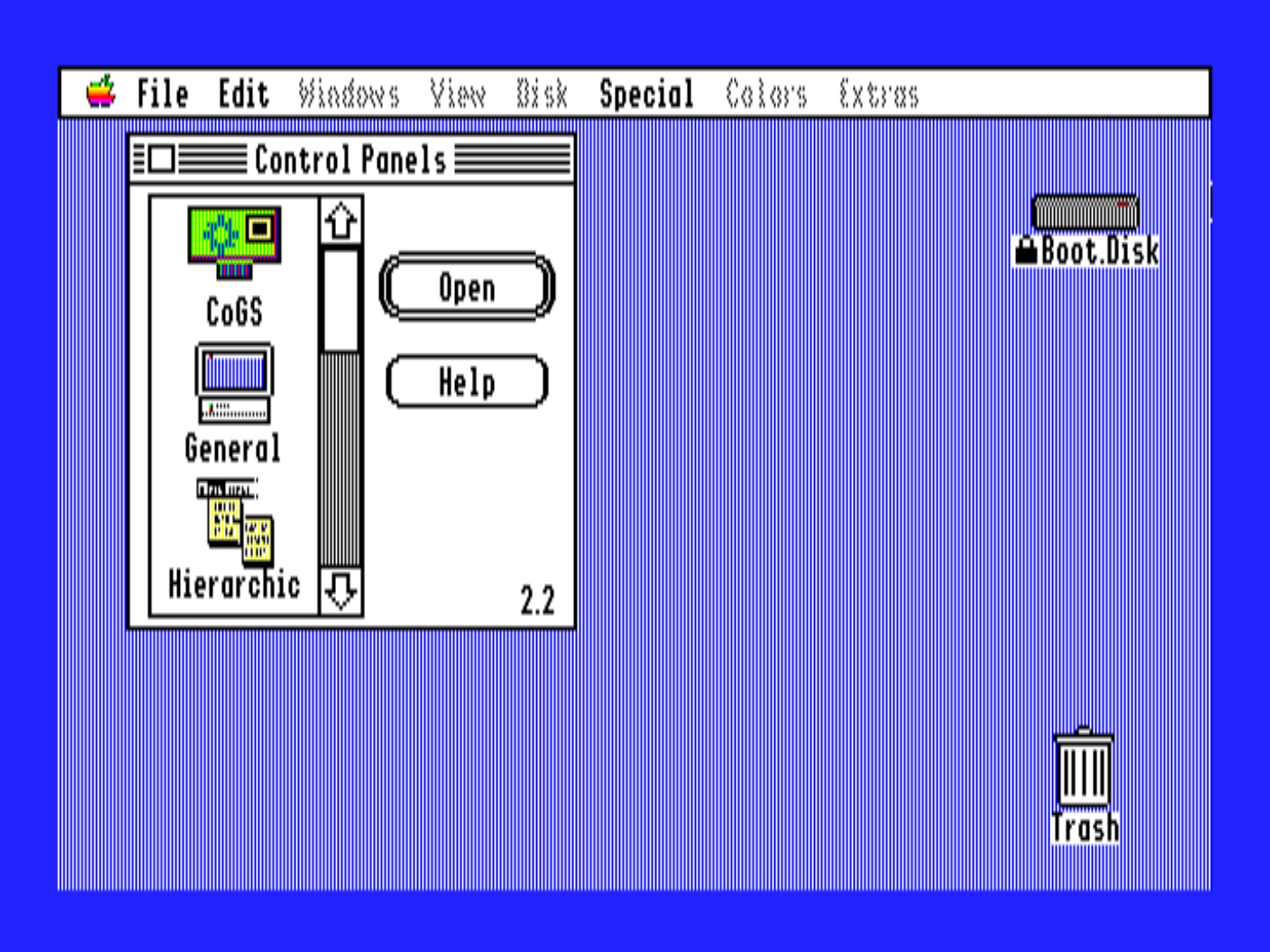
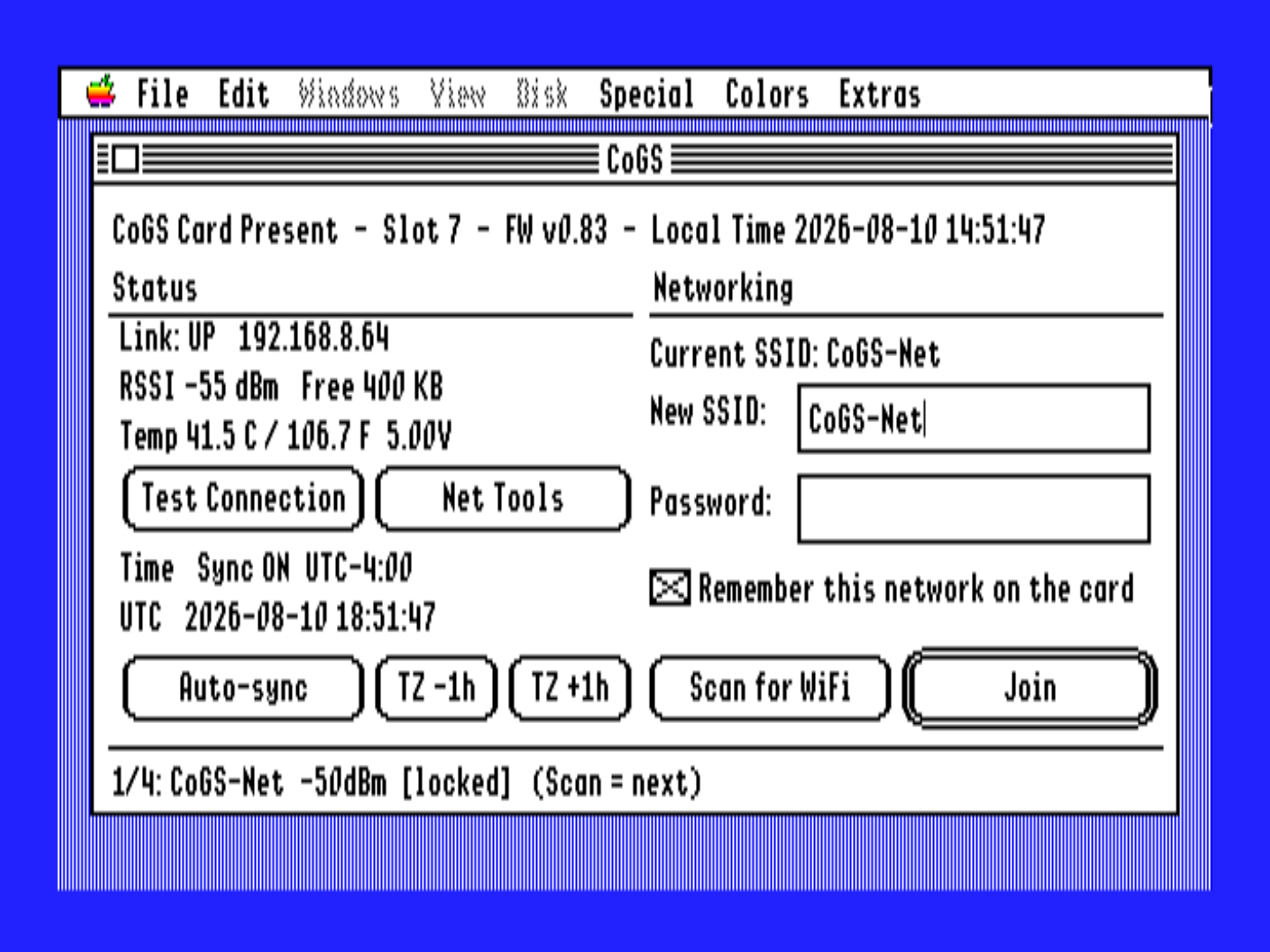
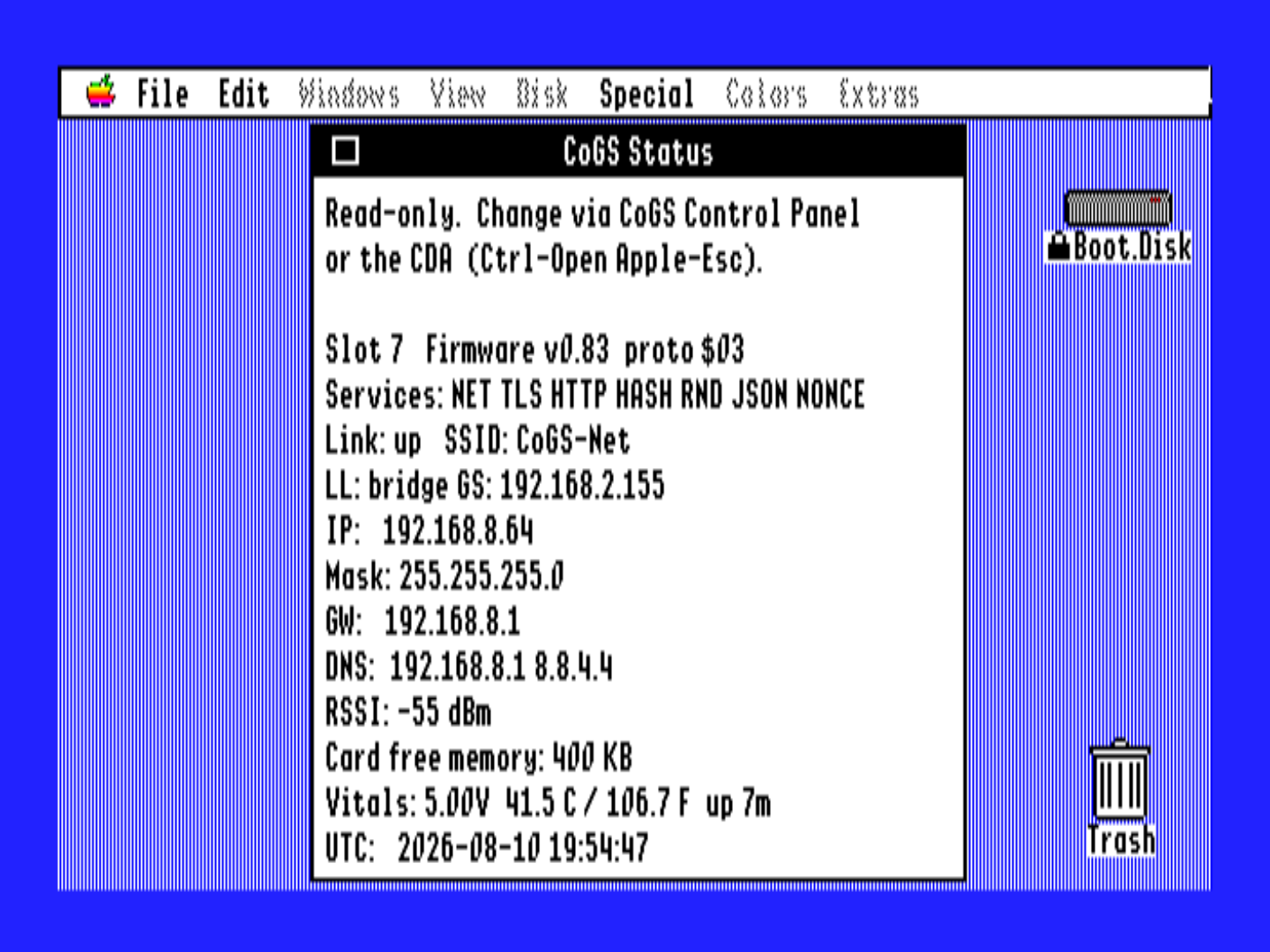
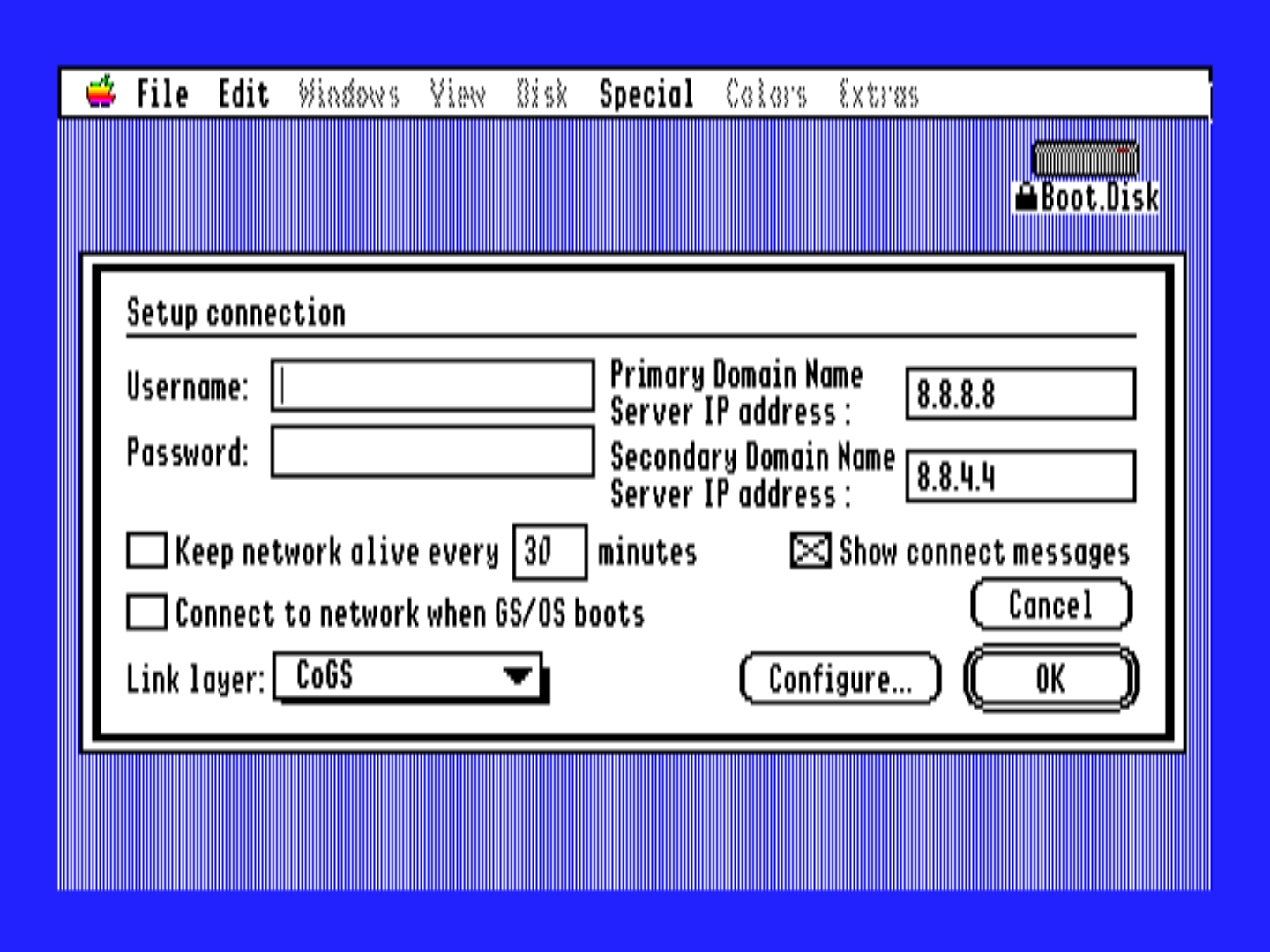
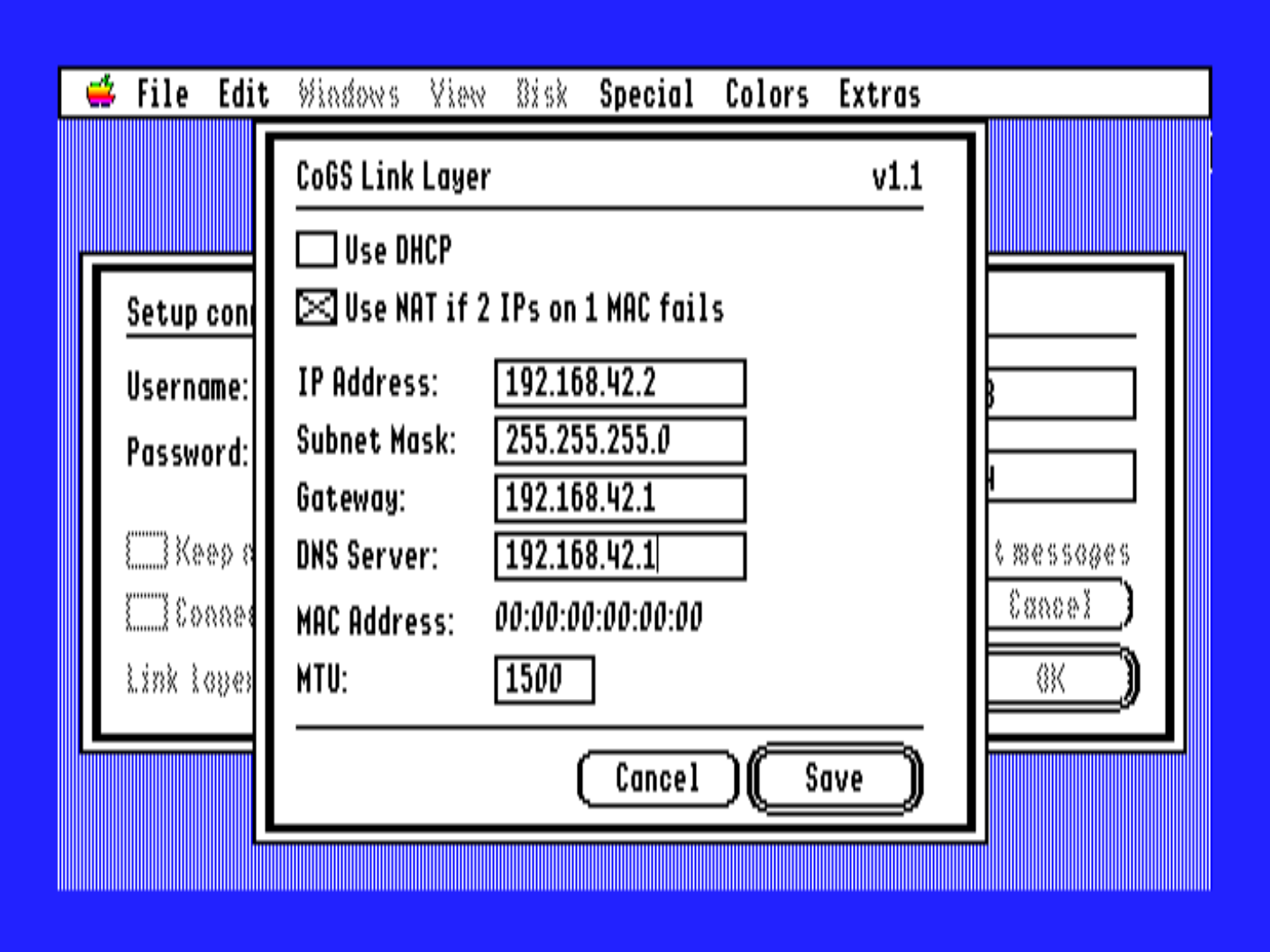
CoGS does not just fetch data — it serves whole disks. Give it a link to a disk image, on your own network or anywhere on the internet, and your Apple sees a real drive: it boots from it, runs from it, and writes back to it, with nothing installed on the machine.
That makes CoGS the first true plug-and-play Apple II experience. Seat the card, power on, and you are browsing and booting a 2,192-title library with no OS, no boot disk, no setup software, and nothing to configure beyond your Wi-Fi password. From power-on to running is literally about one minute: boot, join Wi-Fi, browse, hit Return, and essentially every published Apple II app ever written is yours to run, streaming over Wi-Fi. For the daily workflow, share a folder of images off your Mac and the card mounts it read/write over the LAN. The days of shuffling floppies, burning CF cards, and clunky transfer utilities are over.
Mount and boot, no install
The card answers SmartPort and ProDOS block calls straight out of its ROM, so the drive is there the moment the machine powers on — the trick the community loves from cards like the CFFA, now coming off the network instead of a local chip. That link can point at a folder shared off your own Mac or at a file out on the web: the card does DNS, TCP, and TLS itself, so an https:// URL mounts exactly like a LAN one. You browse and mount images from the desktop, and the host never knows the disk lives on a server.
- No driver, no setup disk — recognized at boot like any other slot drive, on the GS and on 8-bit Apples.
- Any link, anywhere — a folder shared off your Mac, a file on a web server, or an image in a public archive. If it answers HTTP range requests, the card can mount it, with HTTPS terminated on the card.
- Boot off the wire — set a boot image and the machine comes straight up from your LAN or from the internet.
- Read and write — blocks are written back to a writable share, not just read, verified end to end. Read/write is available on your LAN with the CoGS Image Manager; the a2cogs index streams read-only.
- Several drives at once — a multi-unit mount table you manage from the desktop, so you can change images without rebuilding the machine. R under Featured on Browse Disks is the last twelve disks you mounted or booted (Return boots, 1-8 mounts, 0 unmounts, X / A after you unmount). R on Disk Drives puts one of those on the selected drive.
Streaming on real hardware · boot-tested index
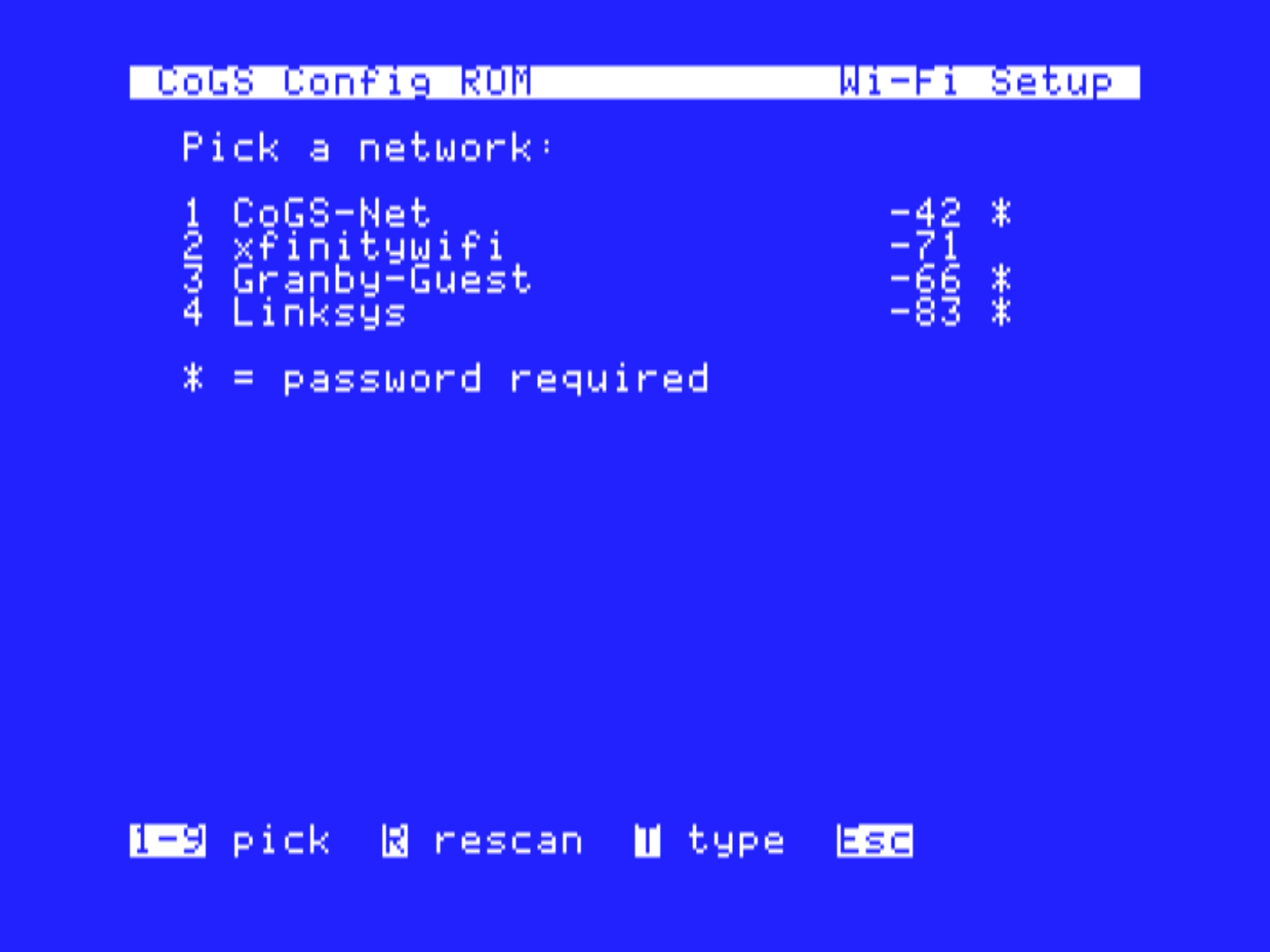
Power on to a config ROM
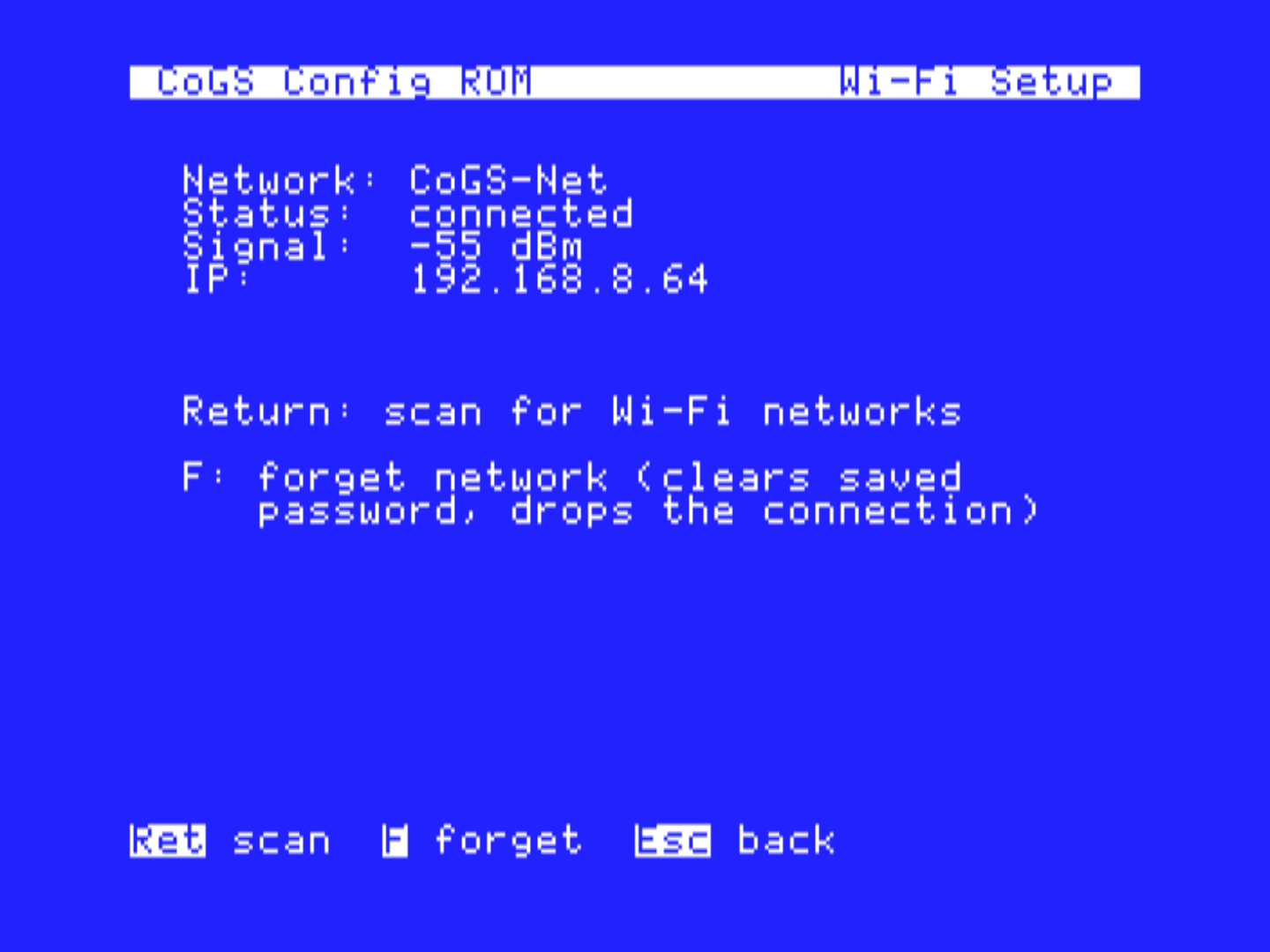
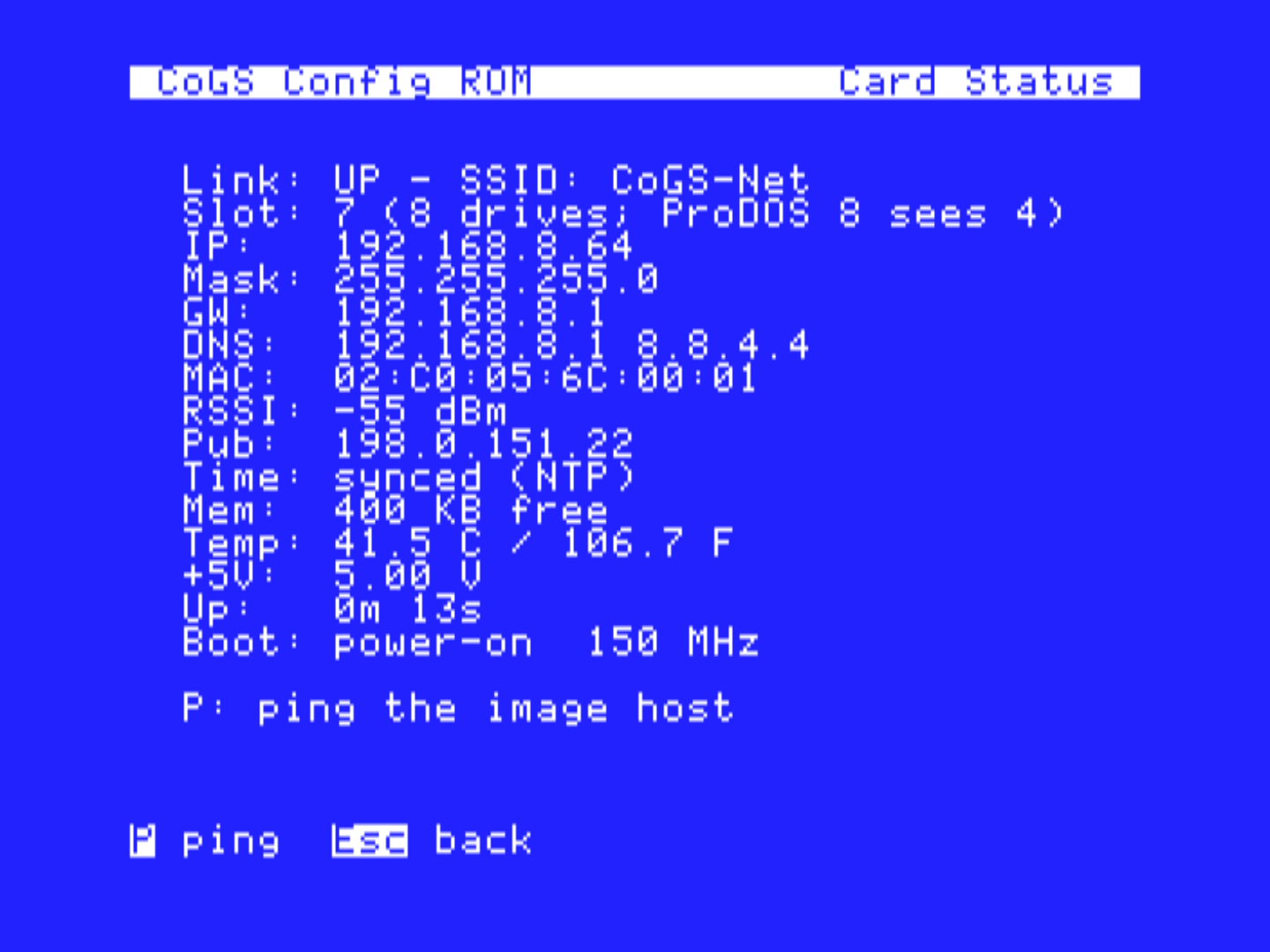
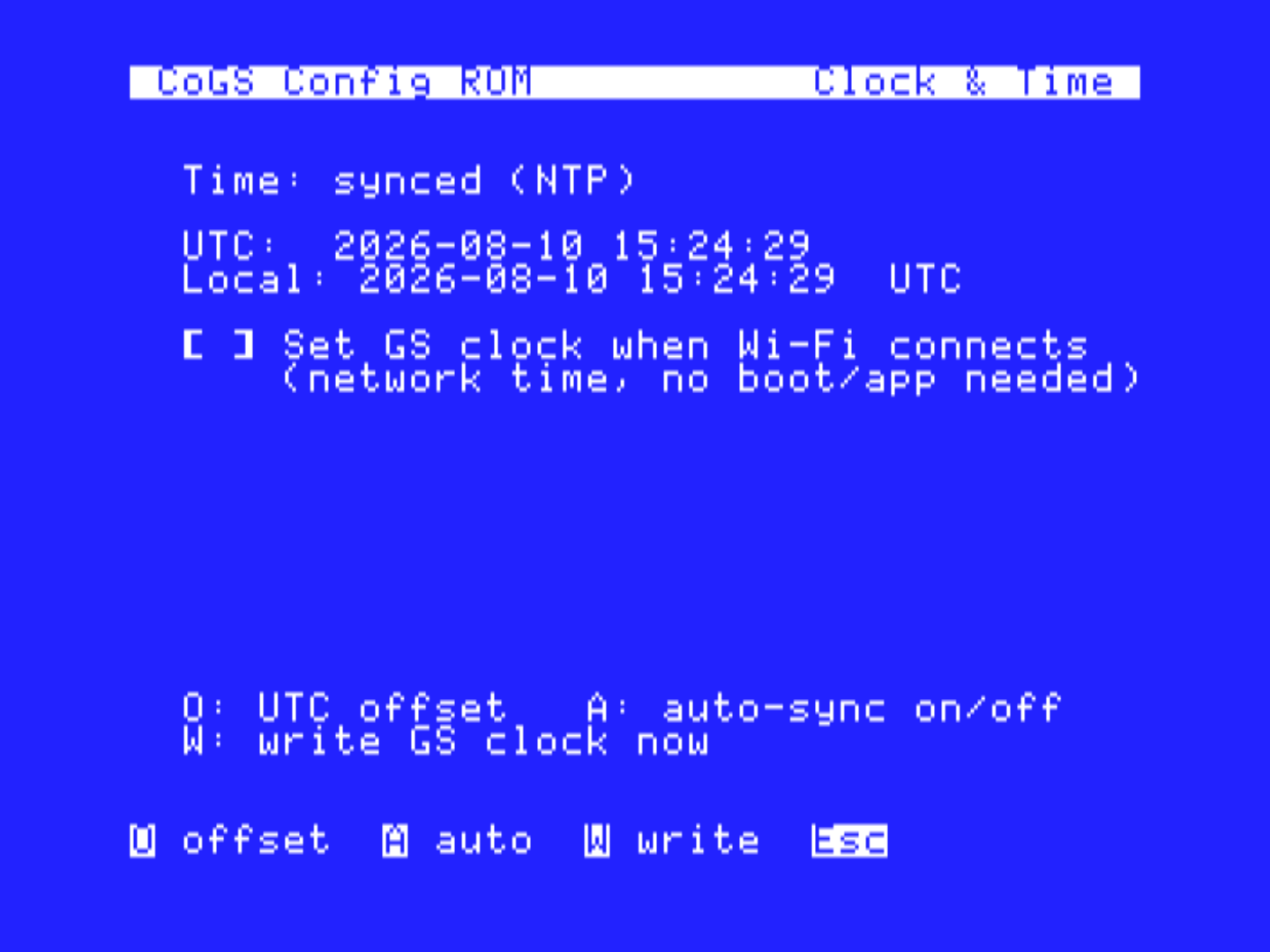
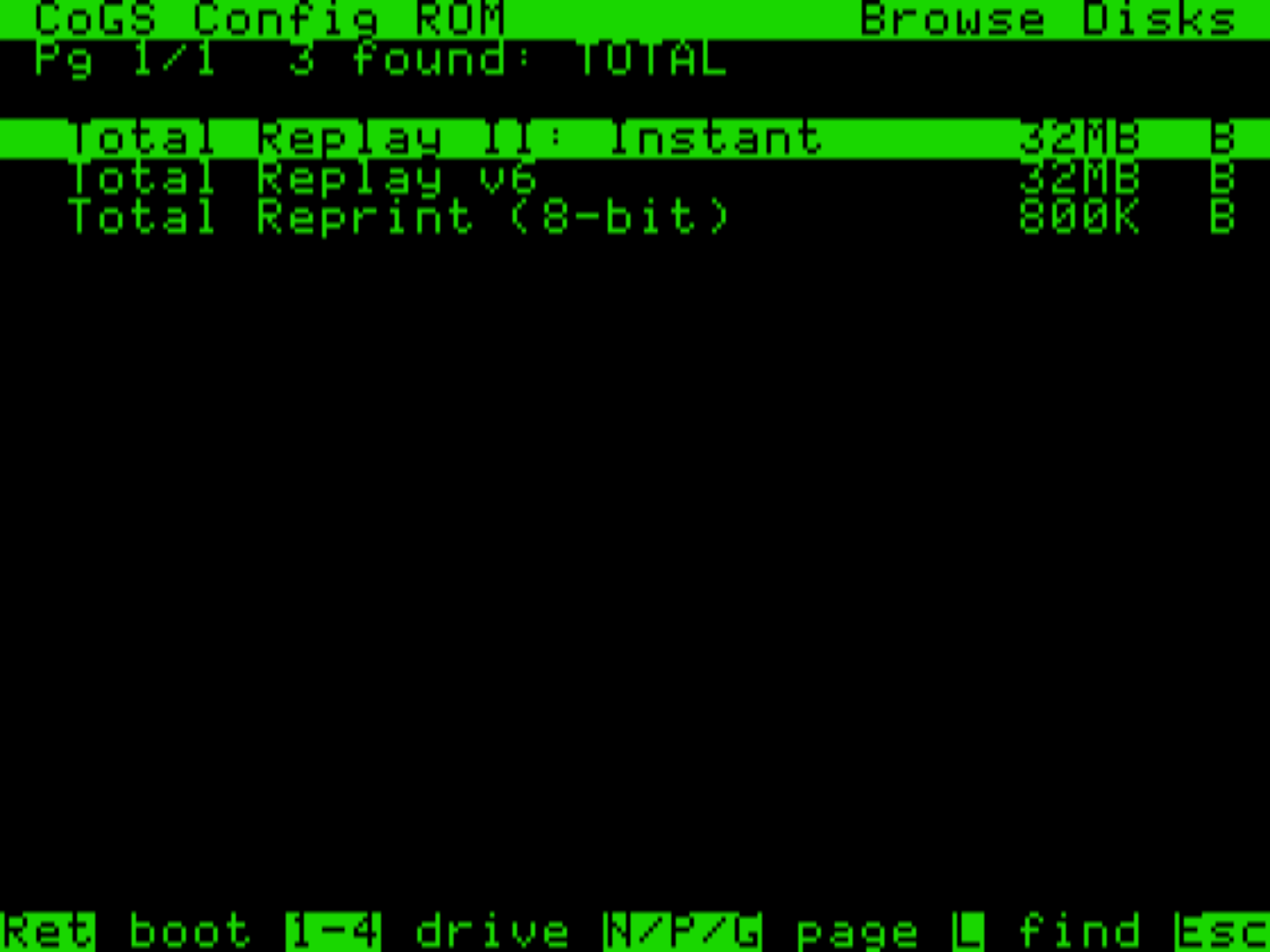
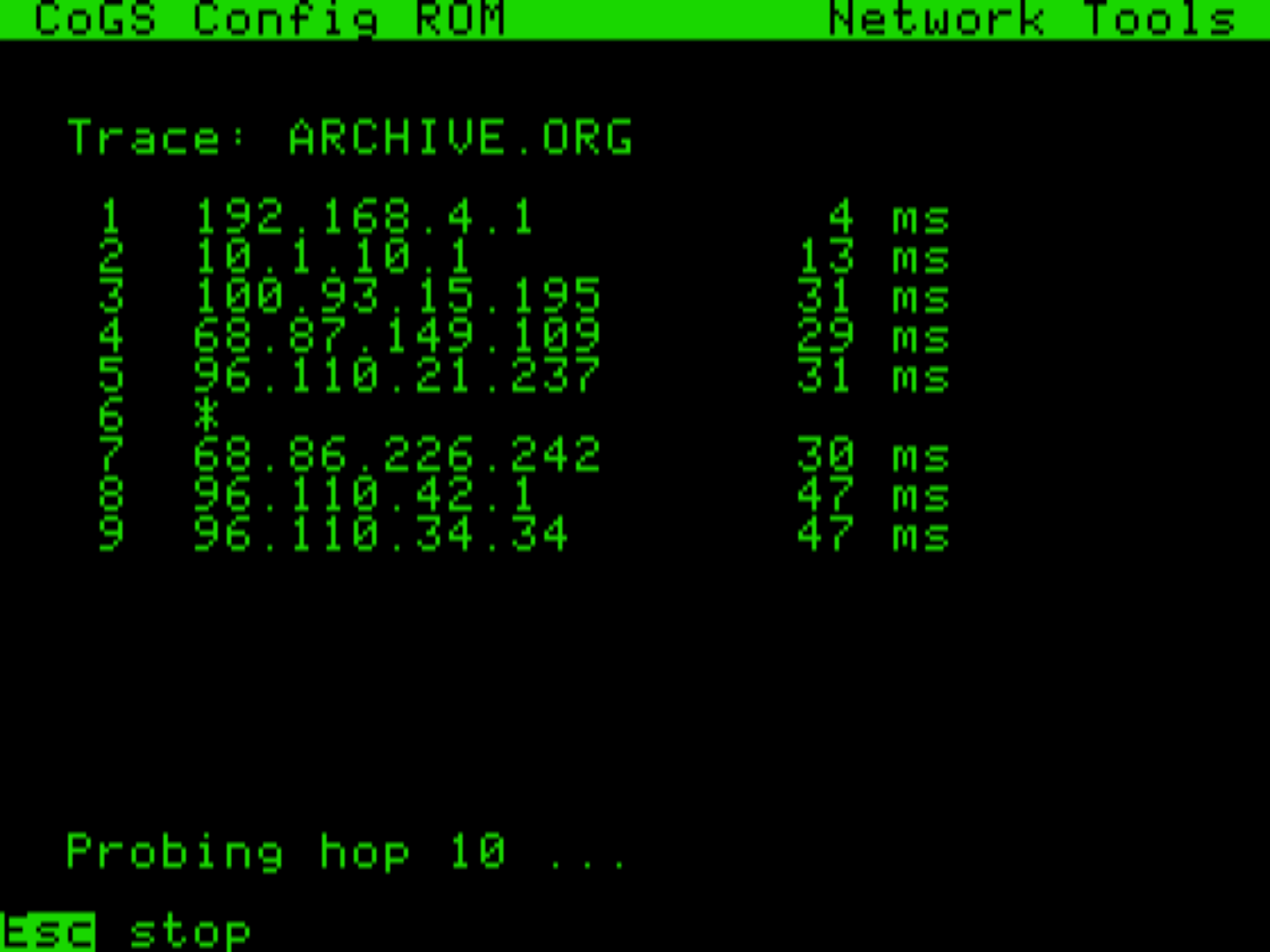
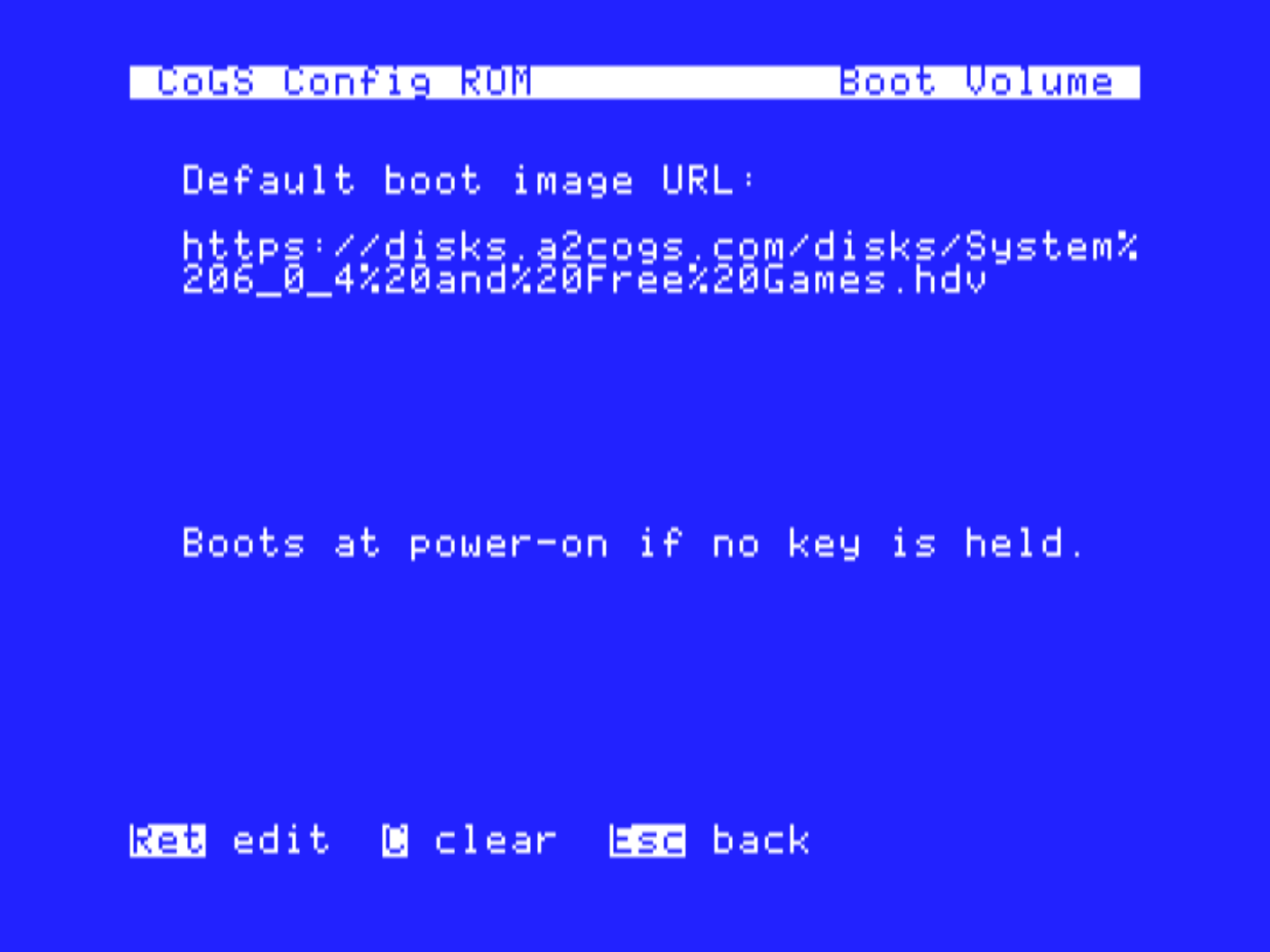
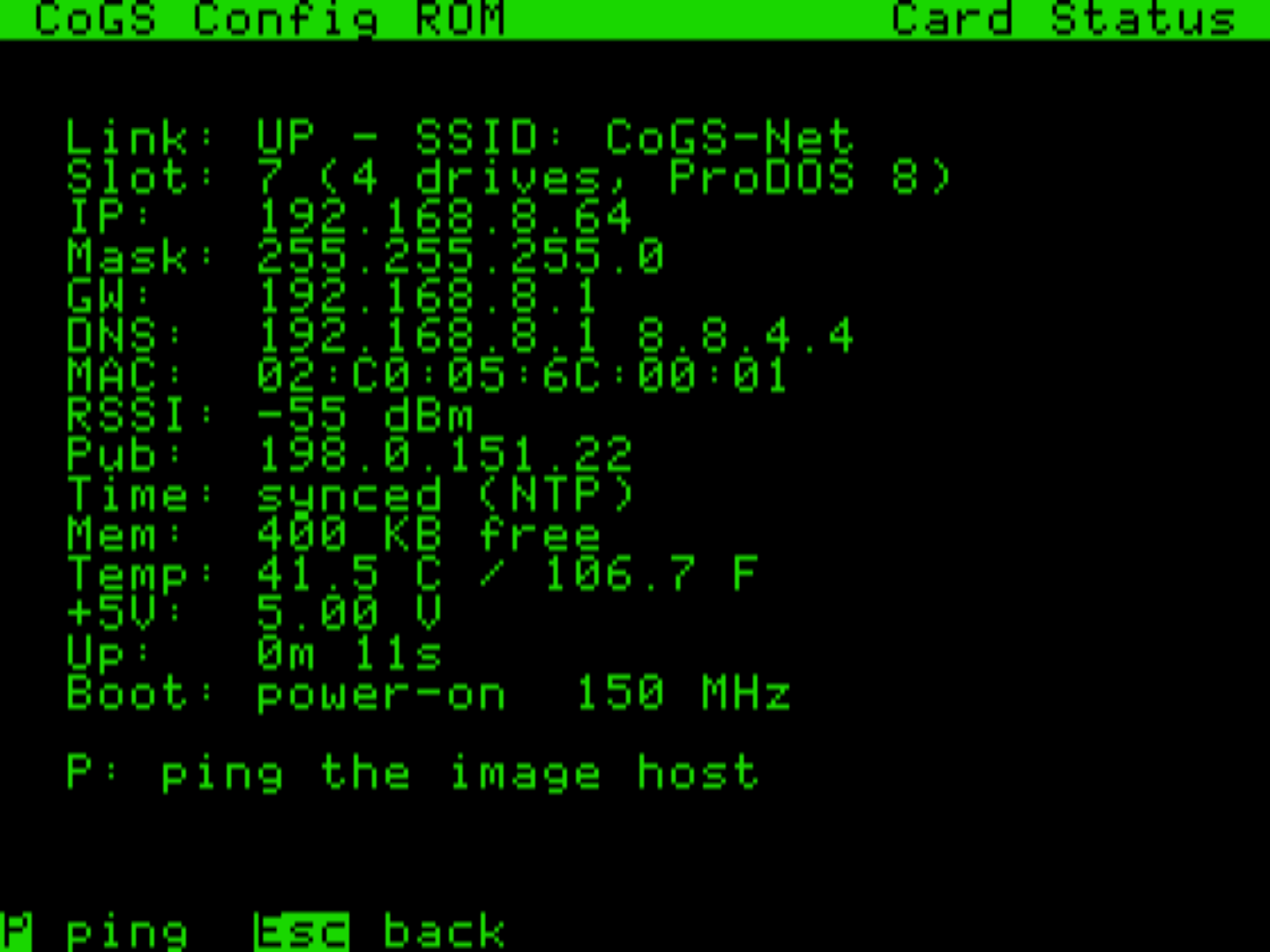
No OS, no boot disk, no setup software. The card carries its own config ROM: power the machine on and it comes up in a menu where you join Wi-Fi, check the network, browse the disk index, and pick what to boot. Everything in these screens is running from the card's ROM on a machine with empty drive bays.
Tools in ROM, updates over the air
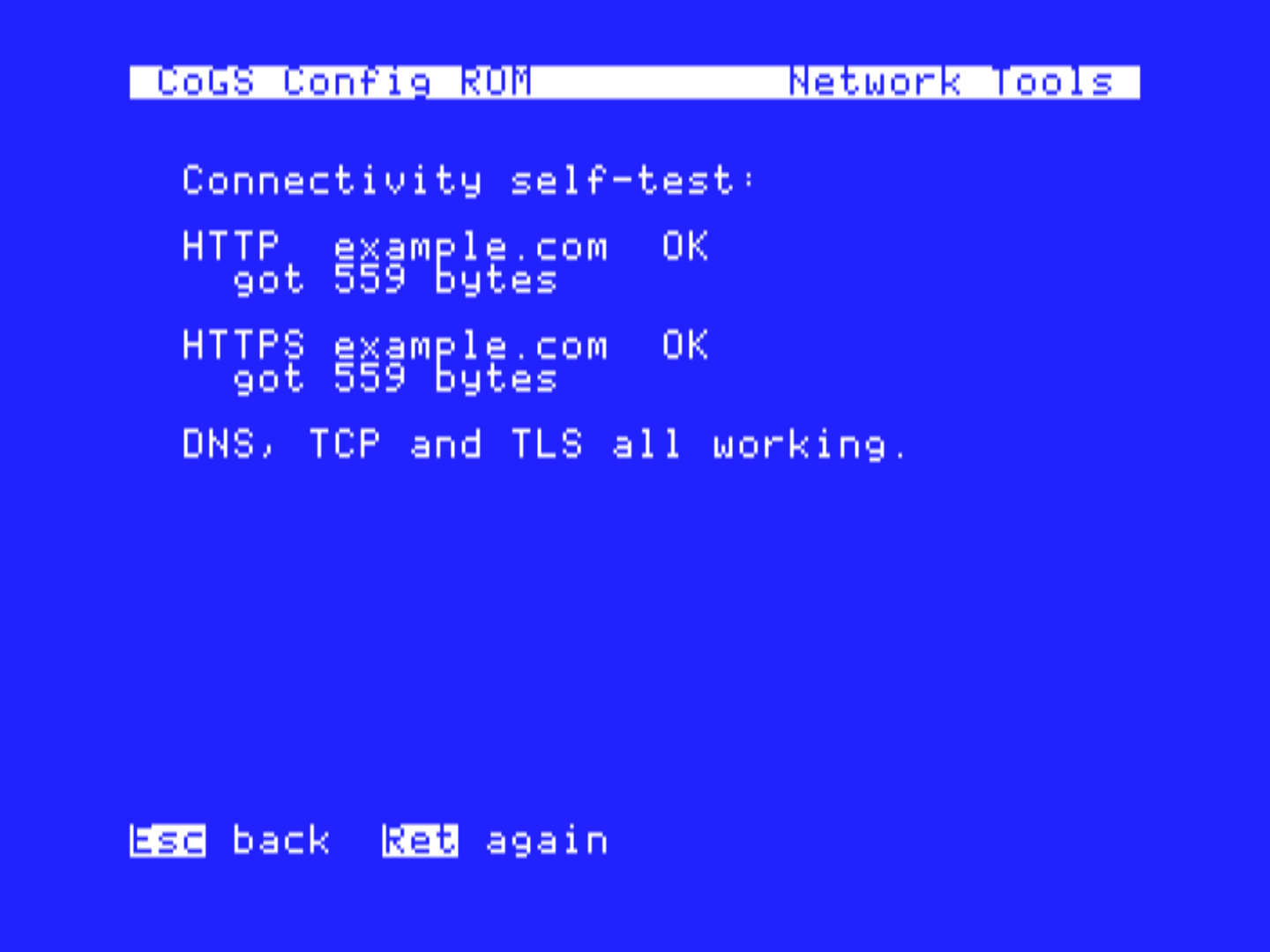
The card looks after itself, and shows its work on the Apple's own screen. Network Tools in the ROM run DNS lookup, ping, traceroute, TCP port checks, a one-key connectivity self-test, and a WAN-to-card speed test, all executed on the card. And About / Update fetches the release list from a2cogs.com so the card can download, verify, and flash new firmware right from the machine. No cable, no other computer, ever.
A library on the wire
The card ships pointed at the index at a2cogs.com: 2,192 titles, boot tested, searchable and mountable right from the machine. Browse Disks opens on a hub, "What do you want to do?": play a game (1,177), music & art (213), educate & learn (447), utilities & work (202), demos, go online, or the whole shelf by machine (1,310 GS titles, 890 8-bit) and A to Z. The GS side is built on the collection curated at What is the Apple IIGS?, credited on every entry. Total Replay streams directly from its own GitHub release, so its 519 8-bit titles ride along as their own rows, always the latest version. The 170 MECC products list the same way, one row each, tagged MC, booting the MECC menu volume they live on. The 980 programs inside the other What is the Apple IIGS? collection volumes (8-bit Games, System 6.0.4 and Free Games, Communications, the education, productivity, audio, hardware and demo disks) are rows too, tagged HD; mounting the one volume mounts every title on it and its menu or the Finder starts the one you picked. An 8-bit Apple sees only what it can run. Don't take our word for it: browse the live index in the card's own interface, right in your browser, same keys and all.
Reading a row
Half the rows are disk images of their own; the other half are programs inside a larger collection image, listed by their real title so search finds them. The marks on the right say which is which and what Return does.
- B
- Boots. Return makes it the boot disk. No B is a data disk: a digit key mounts it on that drive.
- 8b
- 8-bit software. Shown on a IIGS, where both kinds are listed; a //e or II Plus only ever sees rows it can run.
- TR
- A game inside Total Replay. Return boots Total Replay; pick the game from its menu.
- MC
- A product on one of the two MECC volumes. Return boots the MECC menu; pick the product.
- HD
- A program inside another 32 MB collection from What is the Apple IIGS?. With a B (8-bit Games, System 6.0.4 and Free Games, Communications, 8-bit Eduware, 8-bit Creative) Return boots the volume and you start the program from the Finder or its launcher. Without a B (Odds and Ends, Audio and Utilities, the education and game data disks) mount it with a digit and open the folder in the Finder.
- Dn
- Mounted on drive n right now. One collection image holds many titles, so every row from it shows Dn at once.
- V
- Box art or a title screen to view (CoGS Config on a IIGS).
GS titles (1,310) need a IIGS. 8-bit titles (890) run on any Apple II, and that is all a //e lists. The 8-bit Games volume is GS-only despite the name: its games are 8-bit, but the volume boots GS/OS. Total Replay is the 8-bit copy of those games. Everything on the catalog is read-only; programs run, saves need a writable copy on your own share. The owner's manual, chapter 5, has the long form.
Your library too: CoGS Image and Audio Manager
Your own disk images, music, and pictures work the same way. Run the CoGS Image and Audio Manager on a Mac (v1.6; Windows and Linux planned), point it at one library folder, subfolders and all, and click Start Sharing. Every CoGS card on the LAN can scan for the share from the Image/Audio Source page and browse it like the a2cogs catalog: bootable tags from real boot-block probing, search, full read/write on disks, Browse Audio for the music, Browse Pictures for the art.
Your folders become categories on the Apple. Mark a folder with the purple ][ chip in the sidebar (every top-level folder starts marked), give it a label if you like, and press Y on any Browse hub: the card lists your share as "Your source" with one numbered row per folder and its count, then All A-Z and Find by name. A folder of GS games, a folder of 8-bit games, a folder for the kids: that is the menu. The Mac side shows the folder tree, a Folder column, a per-row activity light while the card reads or writes, Show in Finder, and a dated Snapshot of any disk image before you let something write to it. Sidebar, Finder-style columns, IIGS and 8-BIT themes, and a headless cogs-share command line for a Mac in a closet. If the Mac picks up a new address, the card notices on the first fetch and S rescans the LAN.
Sharing on the LAN today · Image Manager 1.6 · folders as categories, writable shares the Finder padlock follows